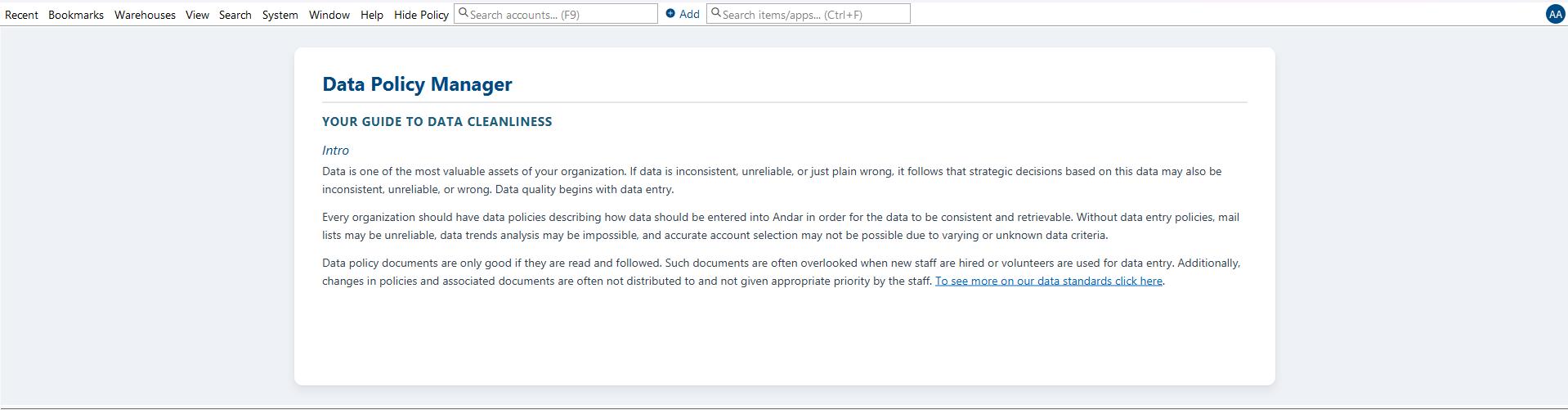
New Custom Theme for Data Policy Manager
What is this stylesheet used for?
This stylesheet applies a clean, professional, and unified visual theme to the Data Policy Manager.
The Data Policy Manager appears as a dedicated section at the very top of application windows, displaying specific data entry standards and data quality rules tailored to the current window the user is working in. This stylesheet strips away outdated styling and replaces it with a modern, high-readability layout using standard HTML element formatting (such as headings, paragraphs, and lists).
Where do I apply this stylesheet?
To deploy this presentation layer across your entire application environment, update your global settings using the following path:
System Preferences > Data Quality
Under the Data Quality menu item, paste or reference this stylesheet. Once saved, it will instantly standardize the text hierarchy, line spacing, font treatments, and brand colors for all data policy documents throughout the application.